
TradingView
The world’s most popular website for charts and technical analysis – with Pine Script and trading straight from the chart through your broker.
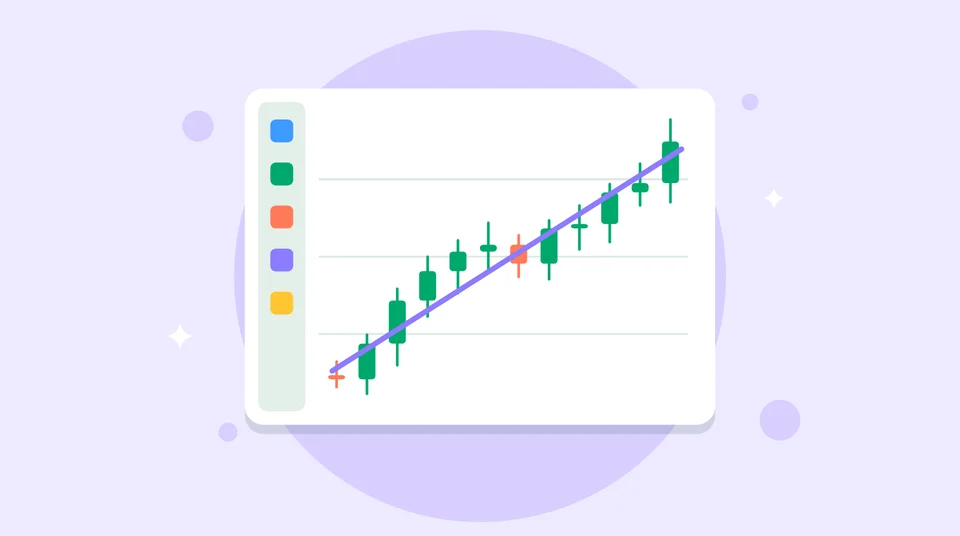
TradingView was founded in 2011 and is now the world’s most used site for charts and technical analysis; the company reports more than 100 million users. It runs in the browser and as an app, with charts for almost every market in the world. Many brokers are connected, so you can trade straight from the charts.
Facts
| Developer | TradingView Inc. |
|---|---|
| Founded | 2011 |
| Markets | Shares, forex, indices, commodities, crypto and more – worldwide |
| Programming | Pine Script |
| Trading | Through connected brokers |
| Price | Free version and paid plans |
Key features
- World-class charts: More than 100 built-in indicators, lots of drawing tools and charts for almost every market.
- Pine Script: Write your own indicators and strategies and backtest them on the chart. Thousands of community indicators are free.
- Alerts: Get notified when the price crosses a level or an indicator gives a signal – on your phone, by e-mail or in the browser.
- Trading through a broker: Connect your account at a connected broker and trade from the chart.
- Social network: See ideas and analysis from other traders – but stay critical, anyone can publish.
Pros
- The best charts and drawing tools
- Runs in the browser – nothing to install
- Huge community and many free indicators
- Connects to many brokers
Cons
- Many features need a paid plan
- The free version has limits and ads
- Not every broker is connected
Useful shortcuts
| Alt + T | Trend line |
| Alt + H | Horizontal line |
| Alt + A | New alert |
| Alt + R | Reset chart |
| / | Search for an indicator |
How to get started
- Open a demo account with a broker that offers the platform.
- Download the platform or open the web version, and log in with the account details from the broker.
- Add the markets you follow, open a chart and try a few orders with demo money.
- Use a stop loss on every trade, and work out the size with the position size calculator.
Create a robot for this platform without coding in our algo builder. Skilling offers MetaTrader 4, MetaTrader 5, cTrader and TradingView on the same account.
Questions and answers
Is TradingView free?
There is a free version with limits, for example on the number of indicators per chart. Paid plans add more features.
Can I trade directly in TradingView?
Yes, if your broker is connected. You log in with your broker account in the trading panel. Skilling is one of the connected brokers.
What is Pine Script?
TradingView’s own language for indicators and strategies. It is relatively easy to learn – and our algo builder can write it for you.
Other platforms
Sources
 Our partnerSkilling
A Scandinavian broker with low spreads and the platforms you already know – Skilling Trader, cTrader, MetaTrader and TradingView.
- Spreads from 0.1 pips1,000+ instruments
- Four platformsSkilling Trader, cTrader, MetaTrader, TradingView
- Lloyd's account insuranceUp to €1 million per account
- Free demo accountPractise with real prices, no risk
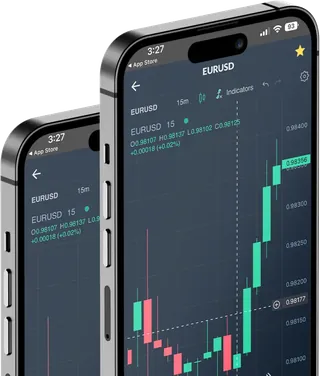
65% of retail investor accounts lose money when trading CFDs with this provider.
About this content: Our articles explain how trading works, with an emphasis on risk. They are general information and not personal investment advice.