
cTrader
A modern platform with a clean design, advanced orders and robots in C#. Popular with traders who want more than MetaTrader.
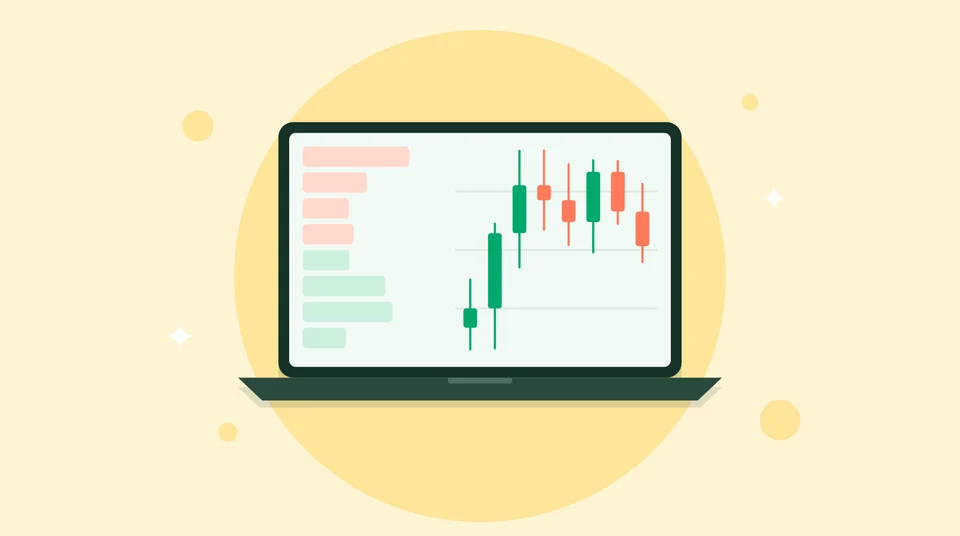
cTrader was developed by Spotware Systems and launched in 2011, with a focus on transparency, fast execution and a modern, clear interface. Its automation tool, cTrader Algo, lets you write robots – cBots – in the widely used C# language. It also has market depth and advanced order types.
Facts
| Developer | Spotware Systems |
|---|---|
| Launched | 2011 |
| Charts | Many time frames, plus tick, Renko and range charts |
| Automation | cBots in C# |
| Copy trading | cTrader Copy |
| Available on | Windows, Mac, web, iOS and Android |
Key features
- cBots in C#: Build robots in a modern programming language used far beyond trading, and backtest and optimise them in the platform.
- Market depth: See liquidity at different price levels before you place an order.
- Advanced risk management: Set stop loss and take profit in pips or money directly, and use server-side trailing stops.
- cTrader Copy: Copy other traders – or let others copy you. Past returns are no guarantee.
- Clean interface: Modern design with dark and light mode, workspaces and detachable charts.
Pros
- Modern, clear design
- Robots in C#, a widely used language
- Good risk tools and market depth
- Built-in copy trading
Cons
- Fewer brokers offer cTrader than MetaTrader
- Smaller choice of ready-made robots and indicators
- Can feel advanced for complete beginners
Useful shortcuts
| F9 | New order |
| Ctrl + Shift + D | Market depth |
| Alt + mouse | Move the chart |
| QuickTrade | Buy and sell from the chart with one click |
How to get started
- Open a demo account with a broker that offers the platform.
- Download the platform or open the web version, and log in with the account details from the broker.
- Add the markets you follow, open a chart and try a few orders with demo money.
- Use a stop loss on every trade, and work out the size with the position size calculator.
Create a robot for this platform without coding in our algo builder. Skilling offers MetaTrader 4, MetaTrader 5, cTrader and TradingView on the same account.
Questions and answers
Is cTrader free?
Yes. You use cTrader for free through a broker that offers it, also with a demo account.
What is the difference between cTrader and MetaTrader?
cTrader has a more modern design, robots in C# and built-in market depth and copy trading. MetaTrader has a far bigger choice of ready-made robots and is offered by more brokers.
What is a cBot?
An automated robot in cTrader written in C#. It trades by fixed rules and can be tested on historical data.
Other platforms
Sources
 Our partnerSkilling
A Scandinavian broker with low spreads and the platforms you already know – Skilling Trader, cTrader, MetaTrader and TradingView.
- Spreads from 0.1 pips1,000+ instruments
- Four platformsSkilling Trader, cTrader, MetaTrader, TradingView
- Lloyd's account insuranceUp to €1 million per account
- Free demo accountPractise with real prices, no risk
65% of retail investor accounts lose money when trading CFDs with this provider.
About this content: Our articles explain how trading works, with an emphasis on risk. They are general information and not personal investment advice.